

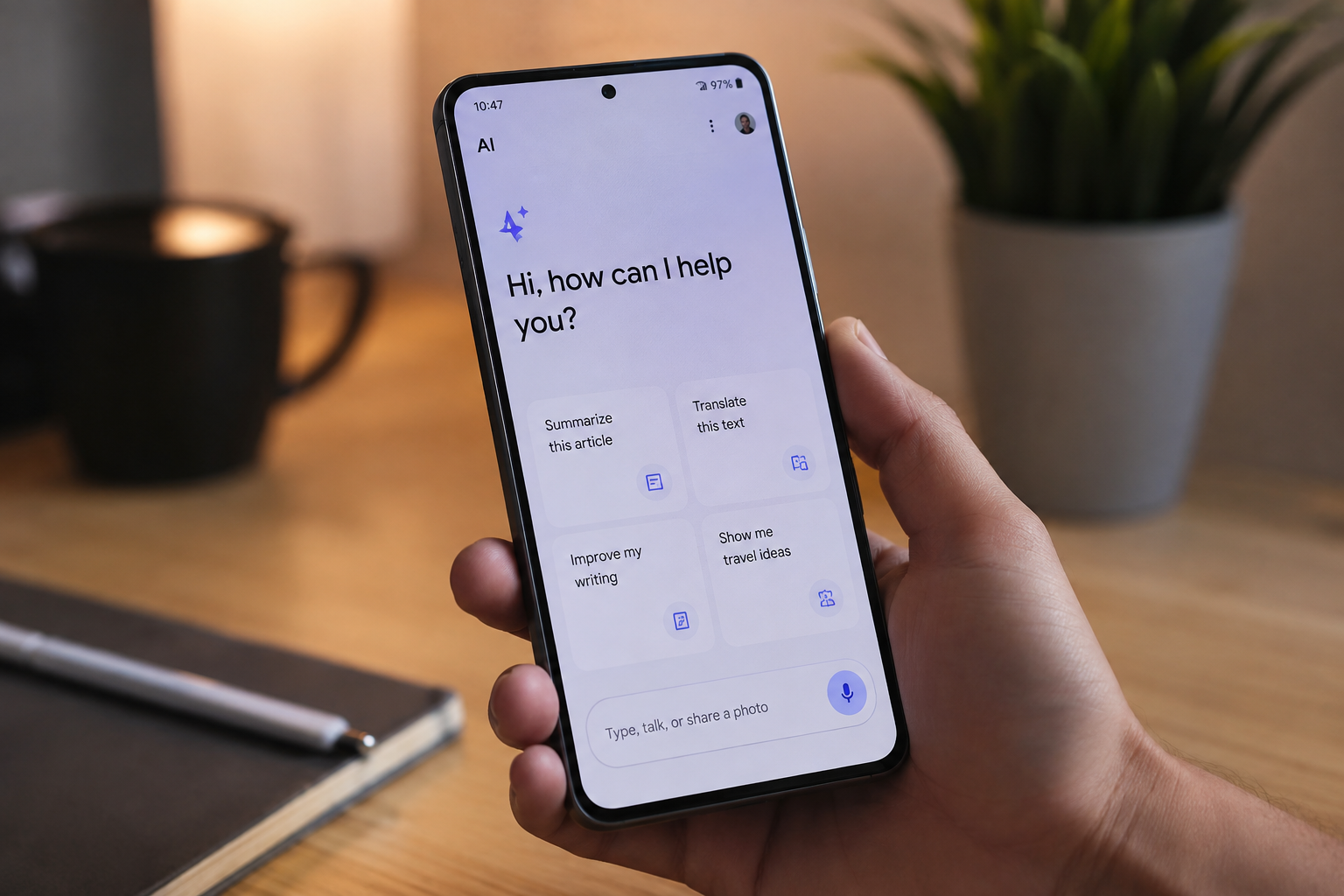
A few years ago, using AI on a phone usually meant opening an app and typing something into a chatbot. Things are changing quickly. In 2026, AI is becoming part of the phone itself, with the device handling some tasks directly instead of sending them to a remote server.
You may have already come across terms such as on-device AI, edge AI, or AI-native chips while looking at new smartphones. They can sound like little more than marketing terms, but there is a real technology behind them. More importantly, it can affect how quickly certain features work, what happens to your personal data, and whether some AI functions work when you don’t have an internet connection.
If you’re thinking about buying a new phone, it’s worth knowing what those terms actually mean.
What Does “On-Device AI” Mean?
The basic idea is fairly simple. With many traditional AI services, your phone sends a request over the internet to a company’s servers. The servers process it and send the result back to your phone. That’s how many early voice assistants and chatbot-based services worked. On-device AI moves at least part of that processing onto the phone itself.
Modern smartphone processors increasingly include dedicated hardware for AI workloads, commonly referred to as a neural processing unit (NPU). Instead of sending every AI-related task to the cloud, the phone can use this hardware to run certain AI models locally. That can make a noticeable difference in a few areas.
Why Are Phones Getting Better at AI Now?
Smartphone chips have changed considerably over the last few years.
AI processing used to be something manufacturers could add to a phone as an extra feature. Chip makers now design newer processors around AI workloads from the start. Dedicated processing hardware allows phones to handle certain machine-learning tasks more efficiently without putting all of the work on the main CPU. That’s one reason AI has become such a common part of smartphone specifications.
Qualcomm, Google, Apple and other chip makers are putting more emphasis on AI capabilities in their newer mobile platforms. As a result, two phones can have similar-looking specifications on paper while offering very different AI capabilities.
For buyers, this means the processor is becoming more important than simply looking at CPU speed, RAM, or camera megapixels.
What Can On-Device AI Actually Do?
This is where the technology becomes easier to understand because you can see it in everyday features.
Depending on the phone you use, on-device AI can help with tasks such as:
- Real-time translation: Some devices can translate conversations or other speech with little or no internet connectivity.
- Photo editing: AI can help remove unwanted objects, improve lighting, or create different versions of an image.
- Smarter assistants: AI can use information available on the device to provide more relevant suggestions and actions.
- Battery management: Machine learning can recognize usage patterns and help the phone manage background activity and power consumption.
- Security features: AI-based processing can help identify potentially suspicious apps, links, or other activity.
The exact features vary considerably between manufacturers. A phone advertised as having “AI” doesn’t necessarily offer all of these functions, and some features may still require an internet connection. That’s why it’s better to look at what the phone can actually do rather than judging it by the AI label on the box.
Is On-Device AI Better for Privacy?
This is one of the more interesting advantages of local AI processing. Whenever an AI service relies on the cloud, there is a question about what happens to the information sent to the company’s servers. That doesn’t mean the service is unsafe or that the company misuses your data. It simply means your device sends that information to a remote server for processing.
With on-device processing, your phone can handle certain tasks without sending the underlying information to a remote server. For example, when your phone handles a photo or voice task locally, it can process the data without uploading it to a remote server.
There is one important catch, though: an AI-powered phone doesn’t necessarily process every AI feature on the device.
Some manufacturers use a hybrid approach. Simple or privacy-sensitive tasks may run on the phone, while more demanding requests are handled in the cloud. If privacy matters to you, check the manufacturer’s documentation to understand which features are actually processed on the device.
How Can You Tell If a Phone Has Real On-Device AI?
The word “AI” has become common in smartphone marketing, so it can be difficult to tell what is genuinely happening underneath. There are a few things you can check before buying.
1. Check the Processor
Start with the chipset. Newer flagship and upper-mid-range mobile processors generally include dedicated hardware for AI processing.
Don’t rely only on the phone manufacturer’s claim that it has “AI features.” Look at the actual processor and its AI capabilities.
2. Try the Features Offline
This is a simple practical test. If a particular AI feature continues to work after you put the phone in airplane mode, there’s a good chance that at least that part of the feature is running locally.
It isn’t a perfect test, though. Some features may be partly processed on the phone and partly in the cloud, so offline availability alone doesn’t tell the whole story.
3. Check the Privacy Information
The manufacturer’s privacy documentation can tell you much more than the product page.
Check how the company handles voice recordings, photos, messages, and other personal data. If it says a feature works on-device, its privacy documentation should explain what stays on your phone and what gets sent to its servers.
Should You Upgrade Your Phone for On-Device AI?
Probably not for AI alone. If your current phone is already a relatively recent model, you may have more AI functionality than you realize. Manufacturers can also add or improve AI features through software updates, so you may not need a new phone just to get them.
Older phones, however, can have a noticeable hardware gap when compared with newer models. You may see improvements in things such as photo processing, translation, voice features, and other AI-assisted functions.
If you’re already planning to upgrade, on-device AI is worth considering alongside the usual factors such as camera quality, battery life, display, performance, and software support. If you’re happy with your current phone, there’s no need to replace it simply because newer models have an “AI” badge.
Before making a decision, check your current phone’s settings as well. Your phone may already have an AI or assistant section with features that a recent software update added.
Final Thoughts
On-device AI is gradually becoming a normal part of smartphones rather than a feature reserved for a handful of experimental devices. The biggest change isn’t necessarily that your phone suddenly becomes a personal AI assistant. It’s that more of the processing needed for AI-powered features can happen directly on the device.
That can mean faster responses, useful offline capabilities, and better control over where certain personal information is processed. At the same time, it’s important not to take every “AI-powered” claim at face value. Some features still depend on cloud servers, and the capabilities can vary significantly between phones.
So, if you’re shopping for a new smartphone in 2026, don’t just look for the word AI on the specification sheet. Find out what the phone actually does, which features run locally, and which ones require the cloud.
